
How to Play Google Popcorn Game With Friends (Squad Mode Guide)
Solo matches in the Google Popcorn game are fun. Squad matches are chaos, the good kind.
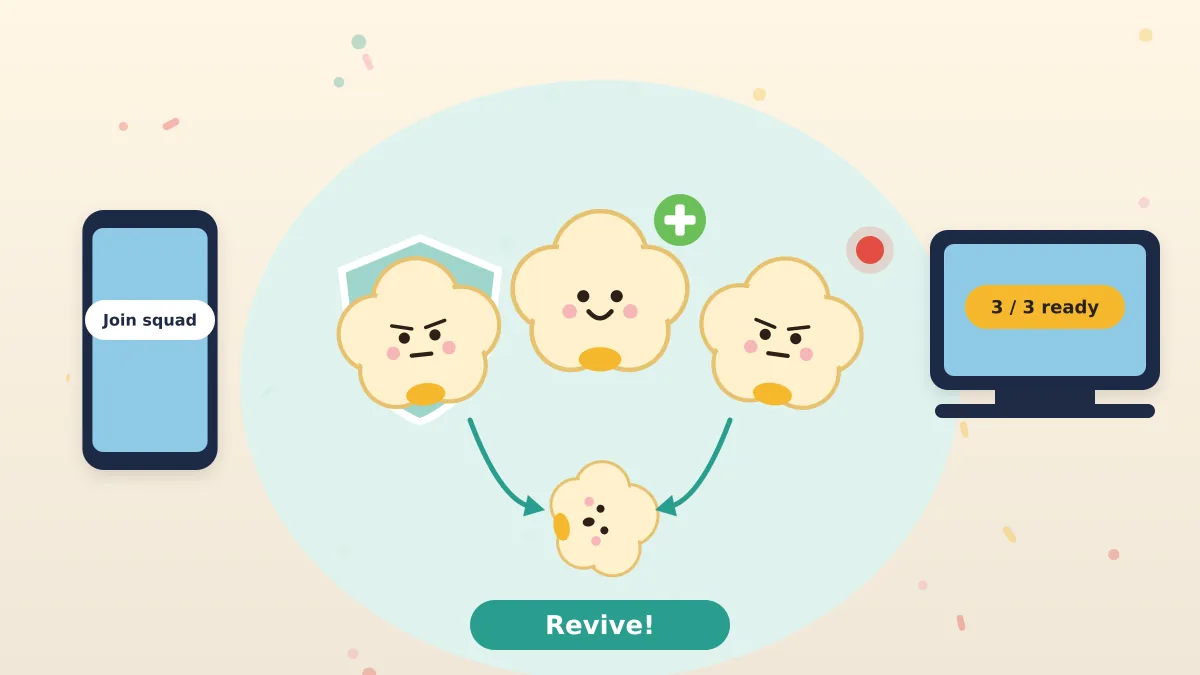
Table of contents
- What Is Squad Mode in the Google Popcorn Game?
- How to Play the Popcorn Game With Friends: Step-by-Step
- Solo vs Squad Mode: What Changes?
- How Reviving Works in Squad Mode
- Best Kernel Combo for Your Squad
- Squad Strategy: How to Win as a Team
- Playing the Popcorn Game With Kids and Classes
- Squad Invite Not Working? Quick Fixes
- FAQs
Solo matches in the Google Popcorn game are fun. Squad matches are chaos, the good kind.
Teaming up changes everything: you can revive each other, cover each other's weak spots, and celebrate together when your squad is the last one standing.
For controls and the basics, see our main Popcorn Game guide.
What Is Squad Mode in the Google Popcorn Game?
Squad mode lets you play the Google Popcorn Doodle game as a team of up to three players. Your squad competes against other players and squads, and you win by being the last squad standing.
The biggest difference from Solo is what happens when you run out of hearts. Instead of popping instantly, your kernel crawls, and a nearby teammate can revive you.
How to Play the Popcorn Game With Friends: Step-by-Step
Setting up a squad takes under a minute:
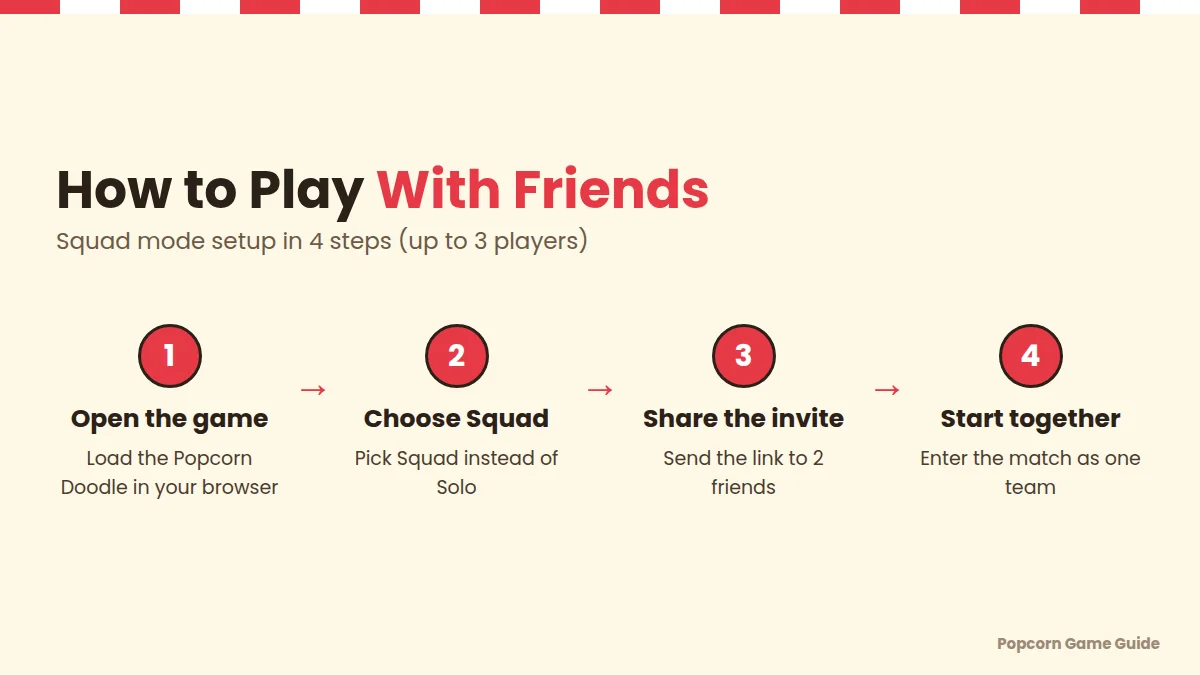
- Open the game. Load the Google Popcorn Doodle in Chrome, Edge, Firefox or Safari.
- Choose Squad. Select Squad mode instead of Solo on the start screen.
- Share the invite. Copy the invite the game gives you and send it to up to two friends by text, WhatsApp or Discord.
- Start together. Once your friends appear in your lobby, start the match as one team.
Solo vs Squad Mode: What Changes?
Squad mode is more forgiving than Solo because teammates can revive you. It also demands teamwork, because a scattered squad can't help each other.
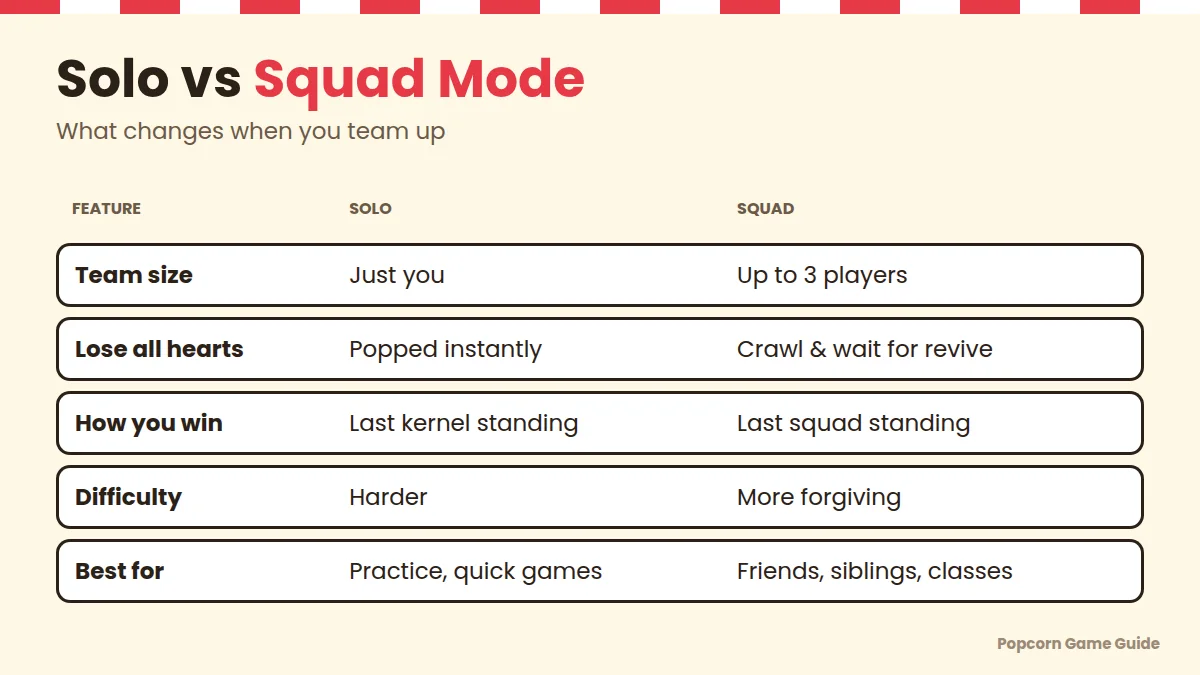
| Feature | Solo Mode | Squad Mode |
|---|---|---|
| Team size | Just you | Up to 3 players |
| Lose all hearts | Popped instantly | Crawl and wait for a revive |
| How you win | Last kernel standing | Last squad standing |
| Difficulty | Harder | More forgiving |
| Communication | Not needed | Voice chat helps a lot |
| Best for | Practice, quick games | Friends, siblings, classrooms |
How Reviving Works in Squad Mode
When a squad member loses both hearts, they don't disappear. They go down and crawl.
- A teammate must reach them to revive them.
- While crawling, the downed kernel is still in danger from boss attacks.
- If the whole squad goes down, the squad is out.
Best Kernel Combo for Your Squad
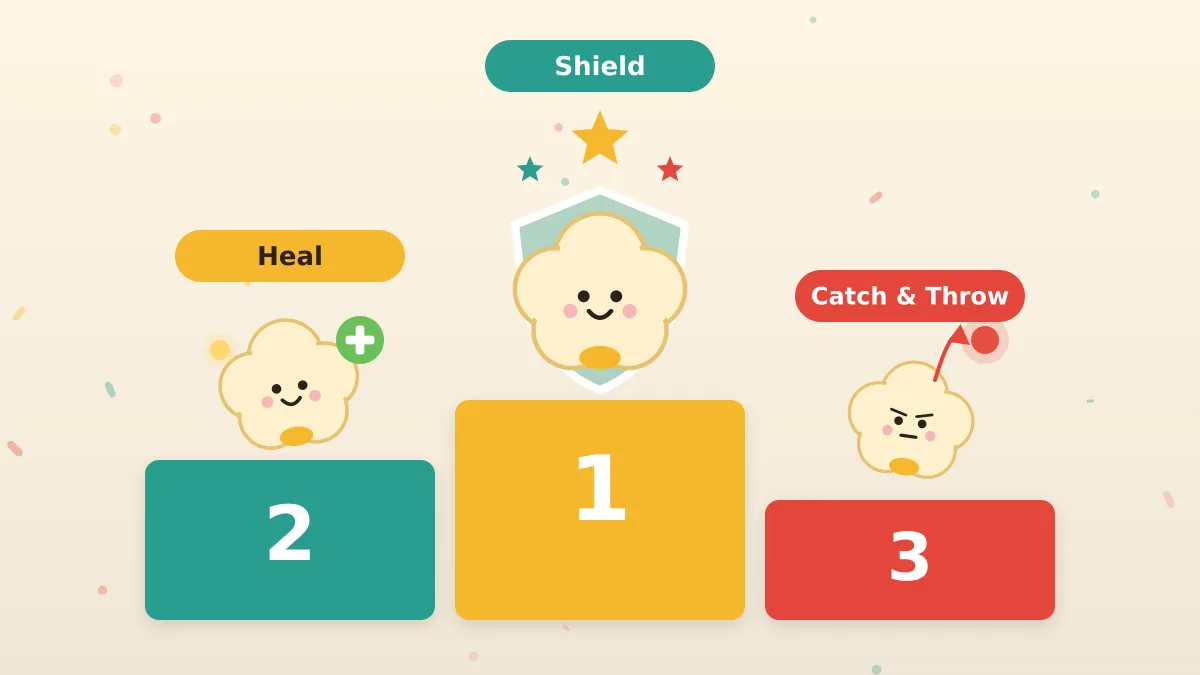
The strongest squad uses one of each kernel: Shield, Heal and Catch & Throw.
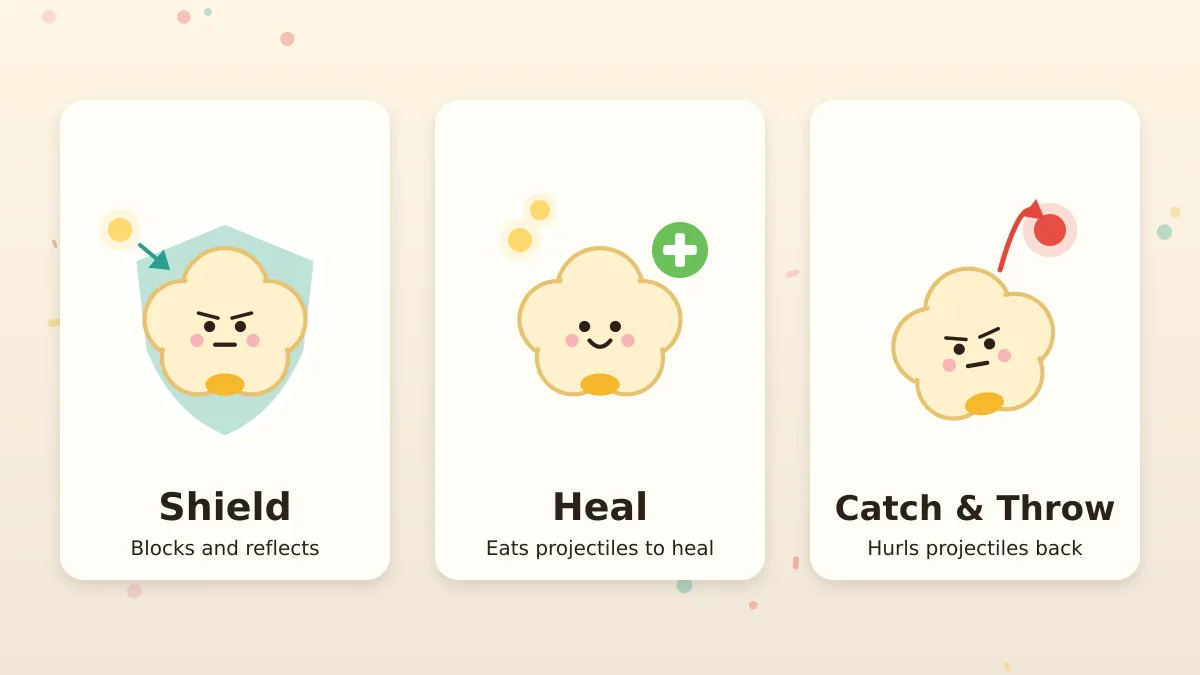
| Role | Kernel | Job in the Squad |
|---|---|---|
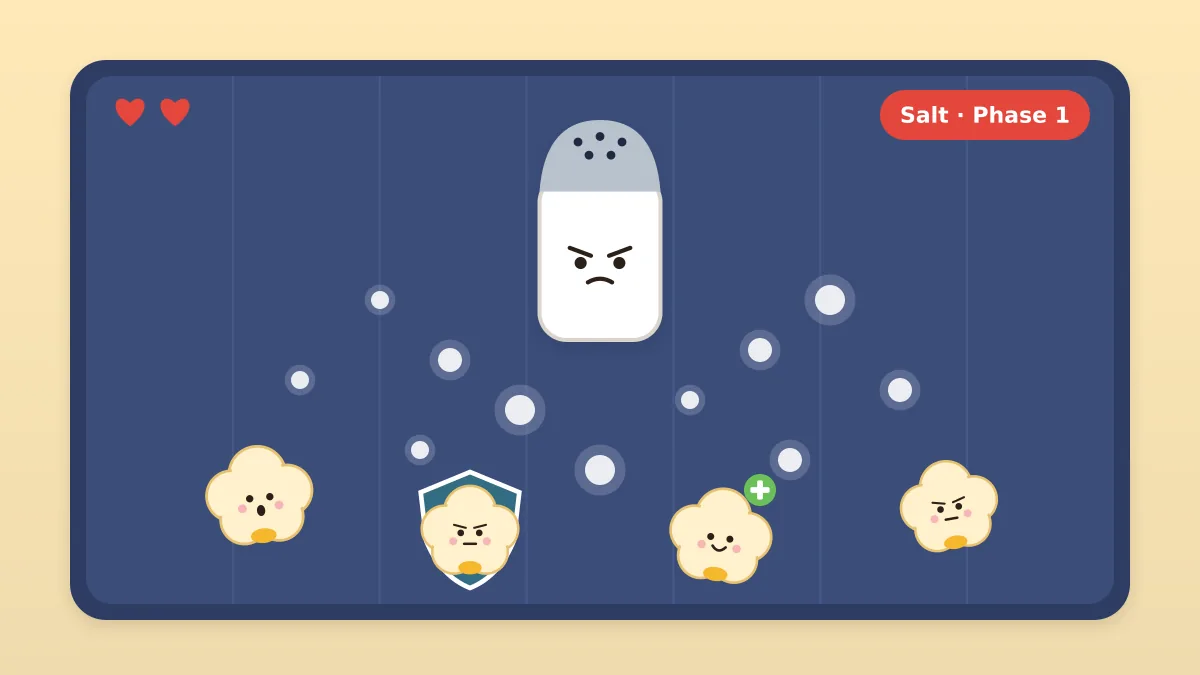
| Tank | Shield | Blocks dense waves (especially Salt) and protects teammates during revives |
| Support | Heal | Keeps hearts topped up so revives are rarely needed |
| Attacker | Catch & Throw | Pops rival players and shrinks the lobby |
A triple-Shield squad blocks well but can't recover hearts. A triple-Catch squad is fun but pops fast. Mix your abilities.
Want the full breakdown? Read our best kernel guide.
Squad Strategy: How to Win as a Team
- Pick a call-out word. Something like "Wave left!" or "Down!" helps a lot on voice chat.
- Move as a loose group. Close enough to revive, far enough apart to avoid shared splash damage.
- Revive only when it's safe. Reviving in the middle of a Salt spray often gets two players popped.
- Let Shield go first into dense waves.
- Let Catch & Throw hunt while Heal stays back with the group.
- Know the bosses. Our Popcorn game bosses guide covers each phase.
Playing the Popcorn Game With Kids and Classes
Squad mode is great for families and classrooms.

- Siblings: Pair a younger child with an older one playing Heal, who can keep them alive.
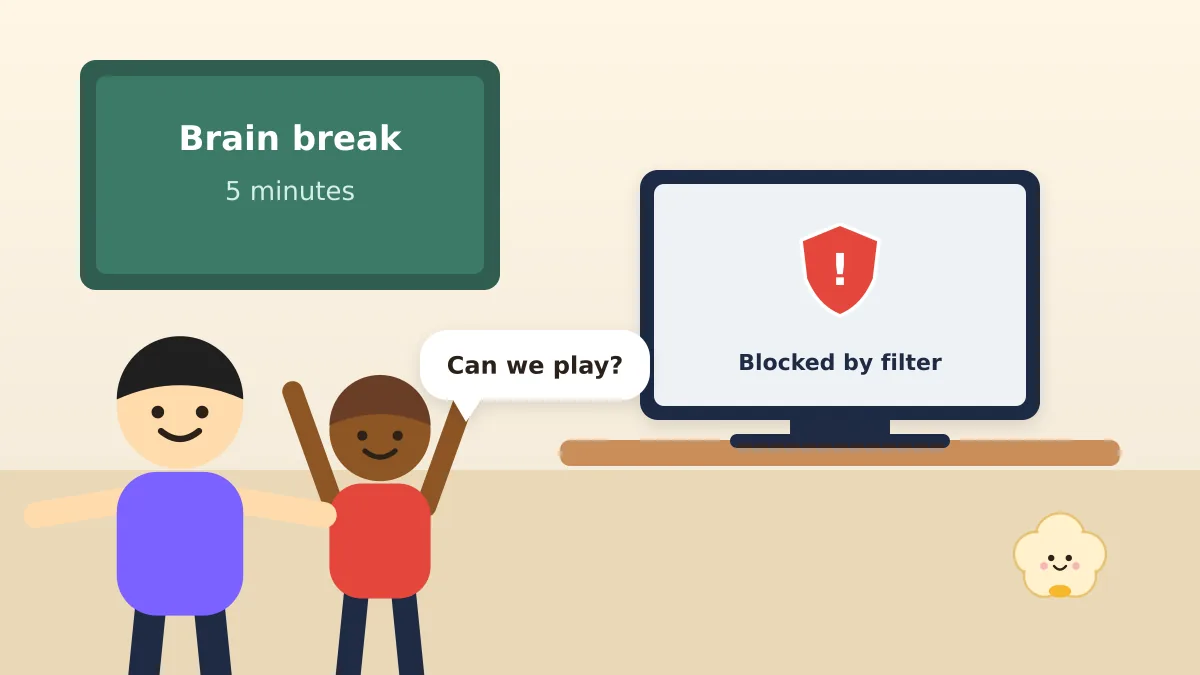
- Classrooms: Teachers can run it as a short brain break or reward, with teams of three.
- Game nights: Rotate squads between rounds so everyone plays with everyone.
For offline popcorn games for kids, see our popcorn party games list.
Squad Invite Not Working? Quick Fixes
| Problem | Fix |
|---|---|
| Friend can't join your lobby | Resend the invite; make sure they open it in a browser, not an in-app viewer |
| Friend lands in a different lobby | Everyone should open the exact same link |
| Lobby stuck "waiting" | Refresh and create a new squad |
| Game won't load at all | See our Popcorn game not working guide |
FAQs
Can you play the Google Popcorn game with friends?
Yes. Choose Squad mode, share the invite with up to two friends, and play as a team of three.
How many players can be in a Popcorn game squad?
Up to 3 players per squad.
What happens when a squad member runs out of hearts?
They go down and crawl. A nearby teammate can revive them. If the whole squad goes down, you're out.
Can I play the Popcorn game with friends on different devices?
Yes. It runs in the browser, so friends can join from laptops, desktops, tablets or phones.
What's the best team setup in squad mode?
One Shield, one Heal and one Catch & Throw. It covers defense, healing and offense.